
FocalViz
Camera Lens Usage Visualizer for Mac
Requires macOS 13.0 (Ventura) or later
Camera Lens Usage Visualizer for Mac
Requires macOS 13.0 (Ventura) or later
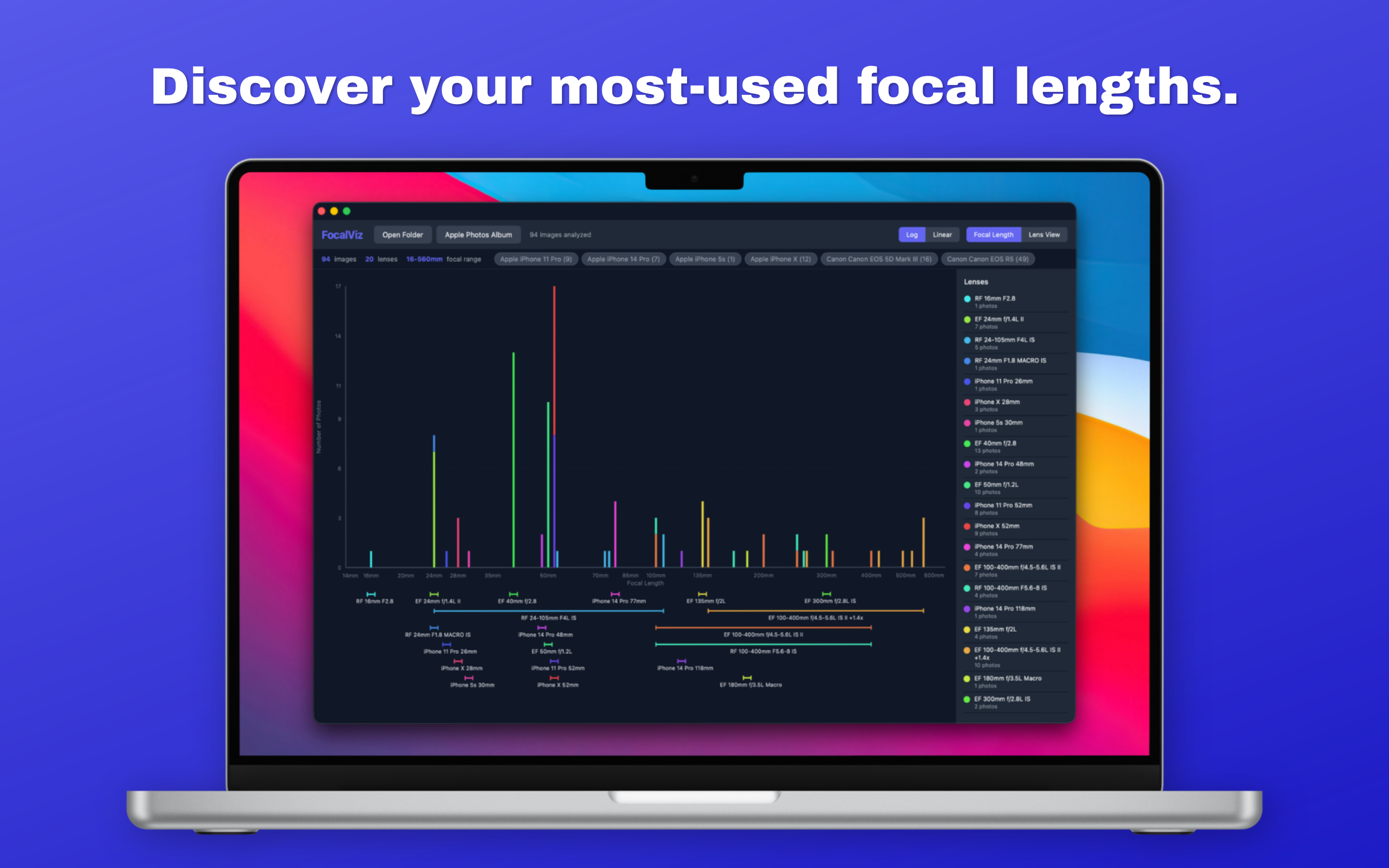
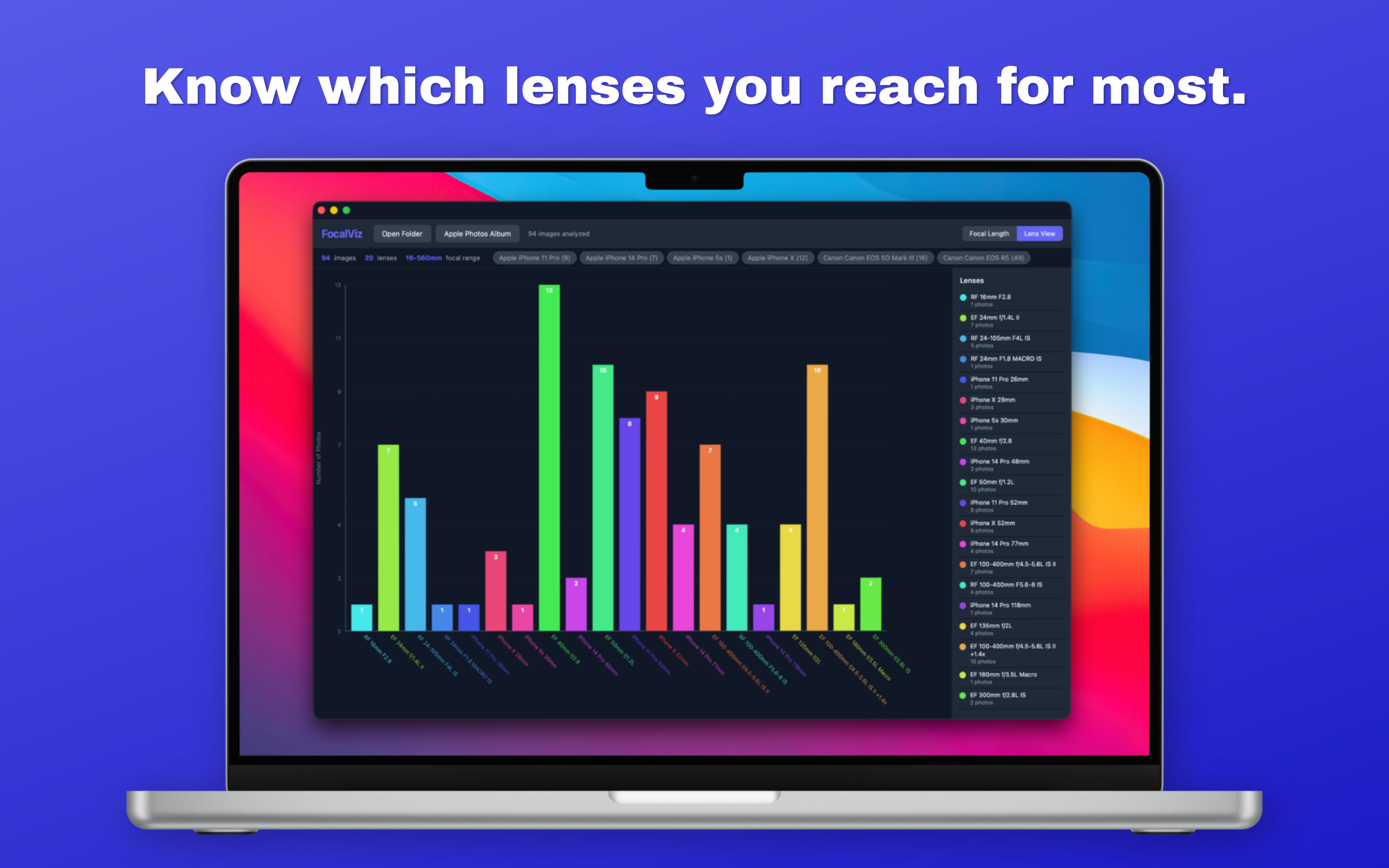
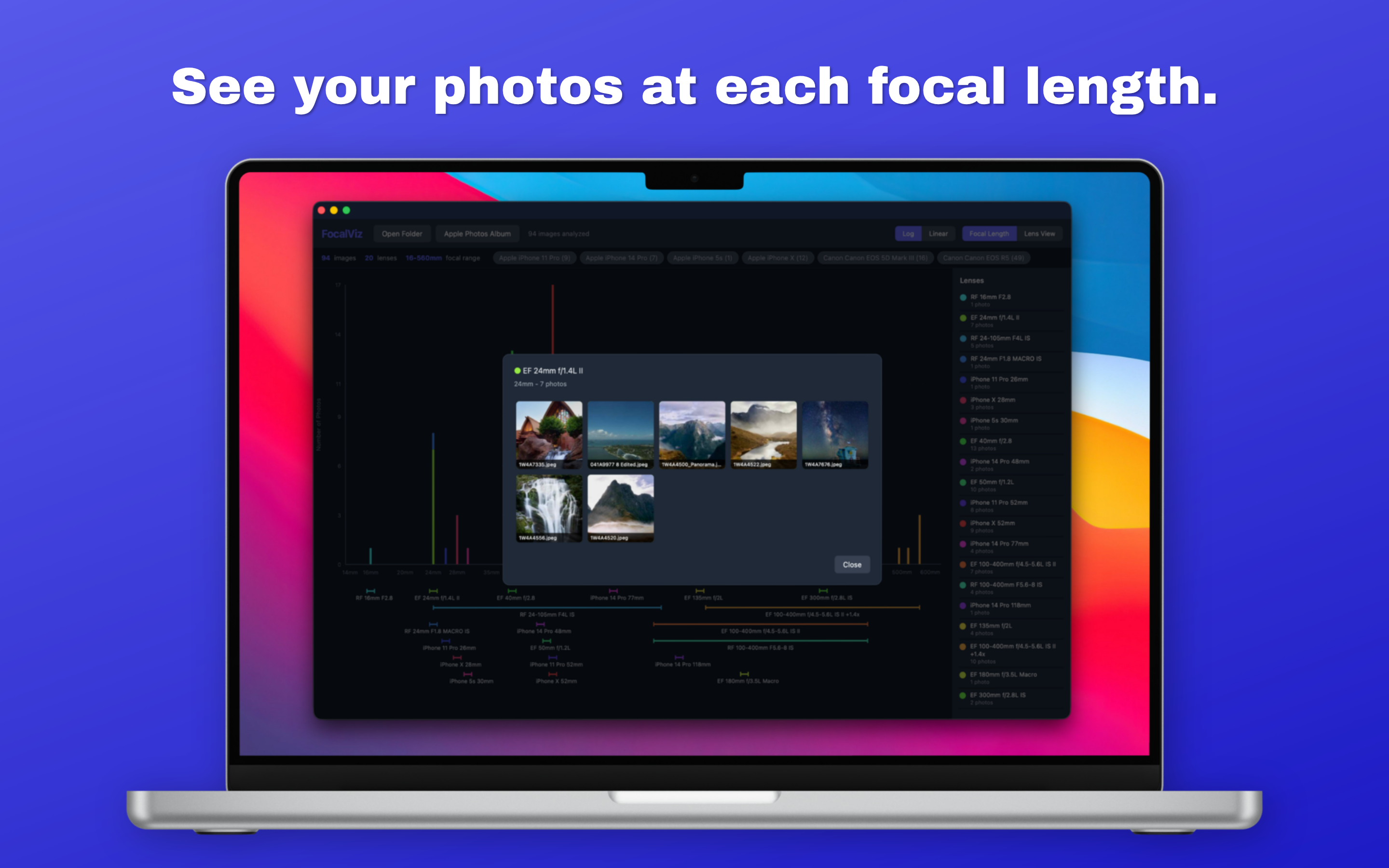
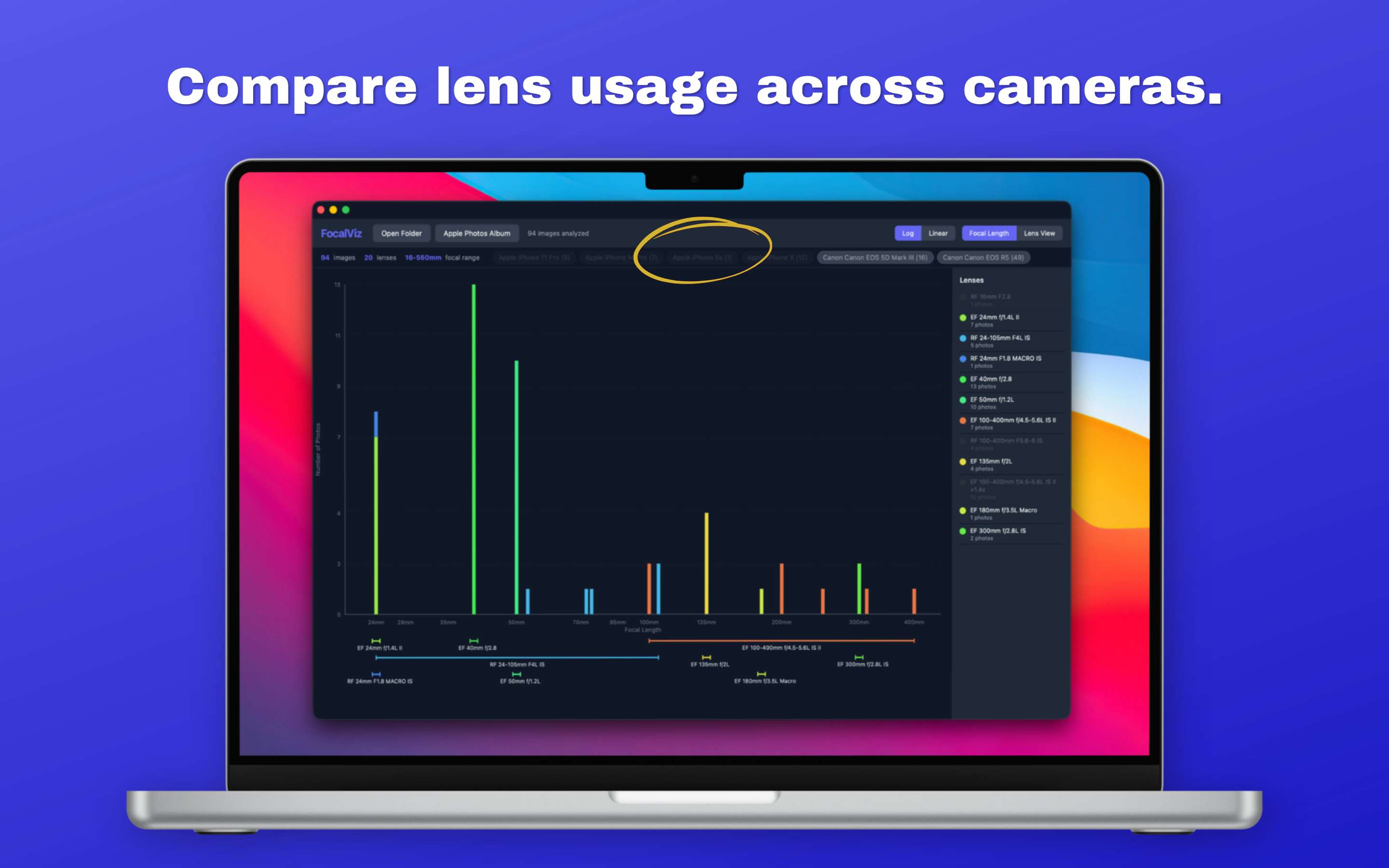
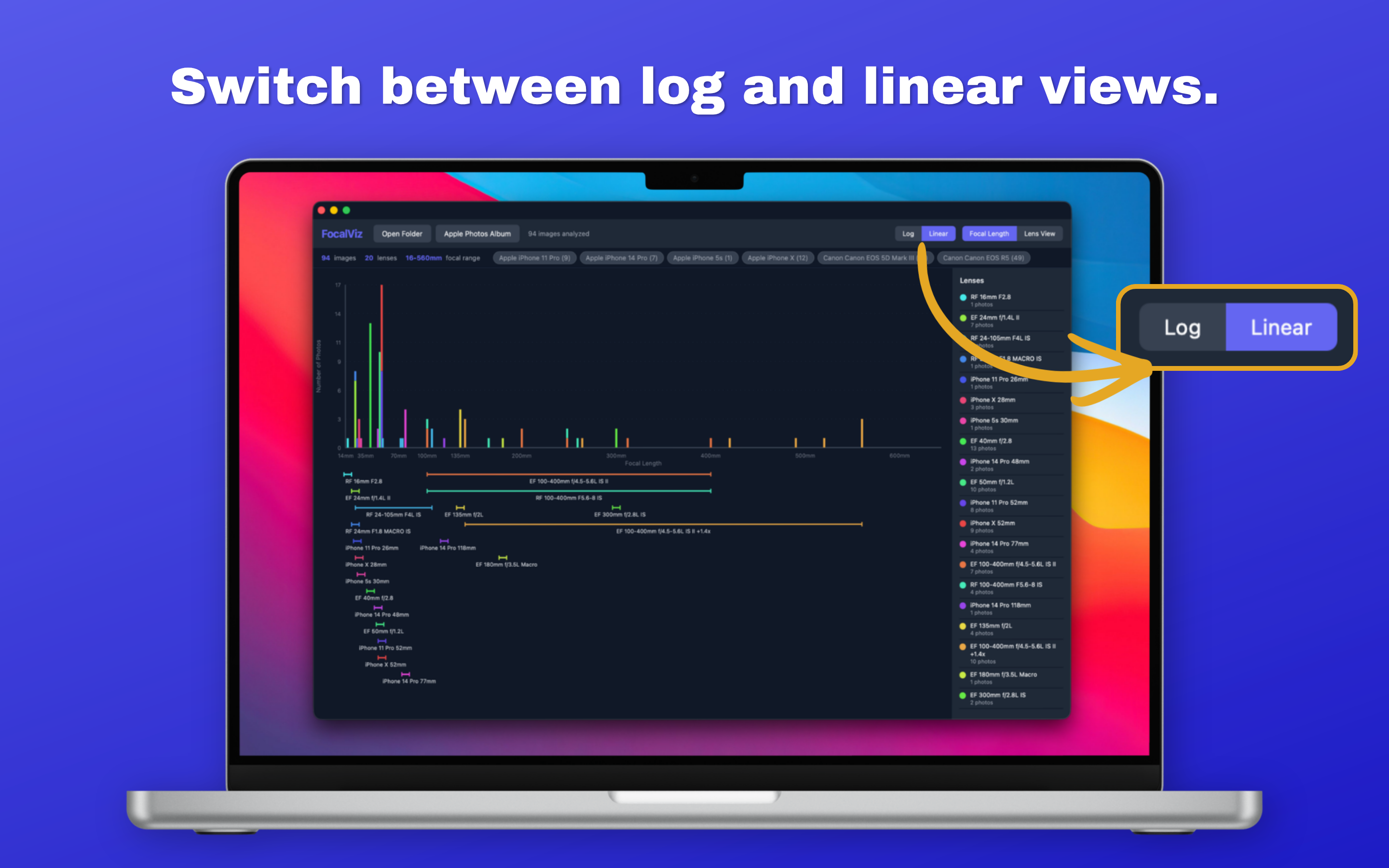
See exactly which focal lengths you shoot at most with a clear, color-coded chart. Understand your shooting patterns at a glance.
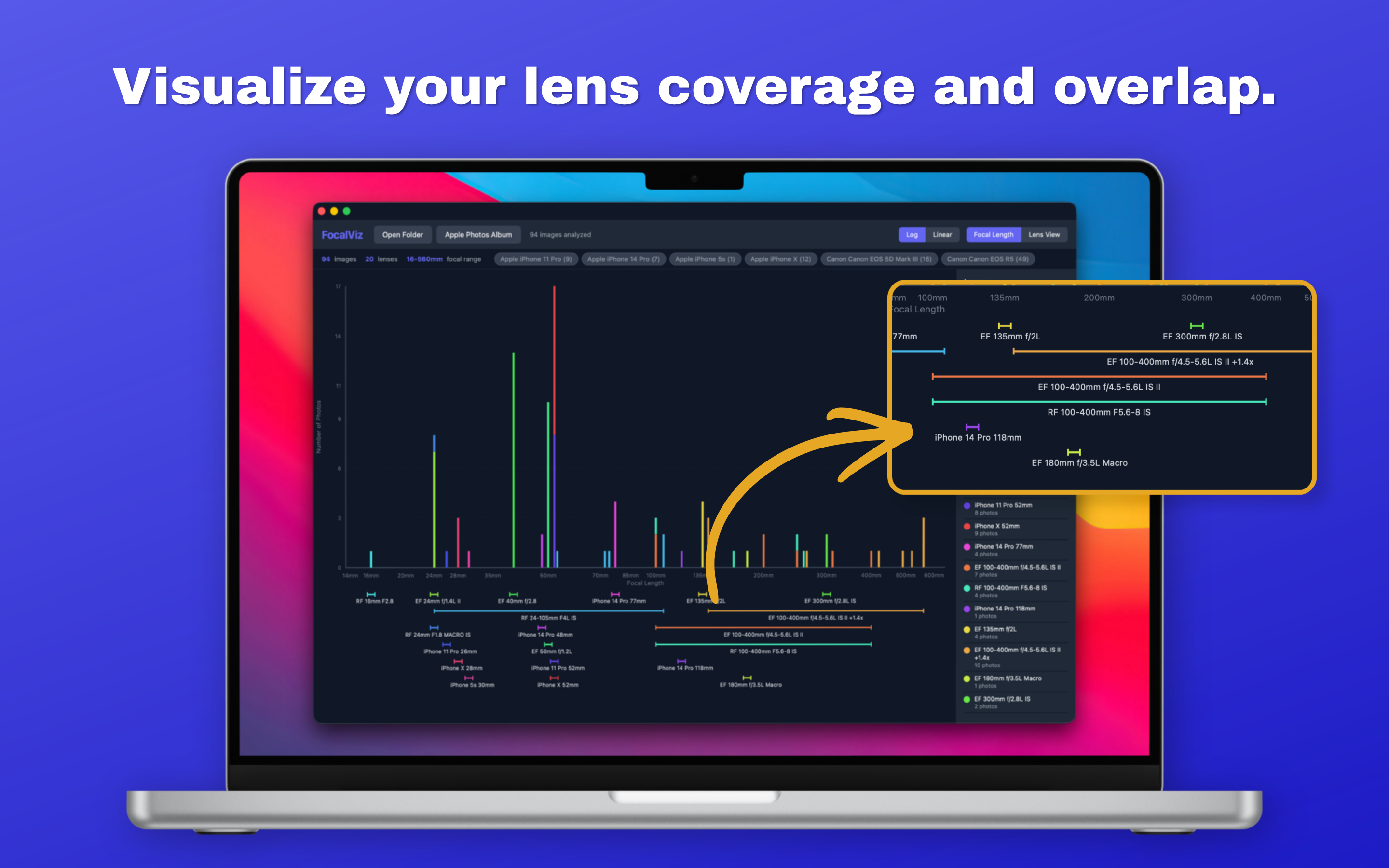
Each lens gets its own color and range indicator. See where your lenses overlap, find the gaps, and know which ones you actually use.
Canon, Nikon, Sony, Fujifilm, Leica, Hasselblad, DJI drones, iPhones, and more. If it writes EXIF data, FocalViz can read it.
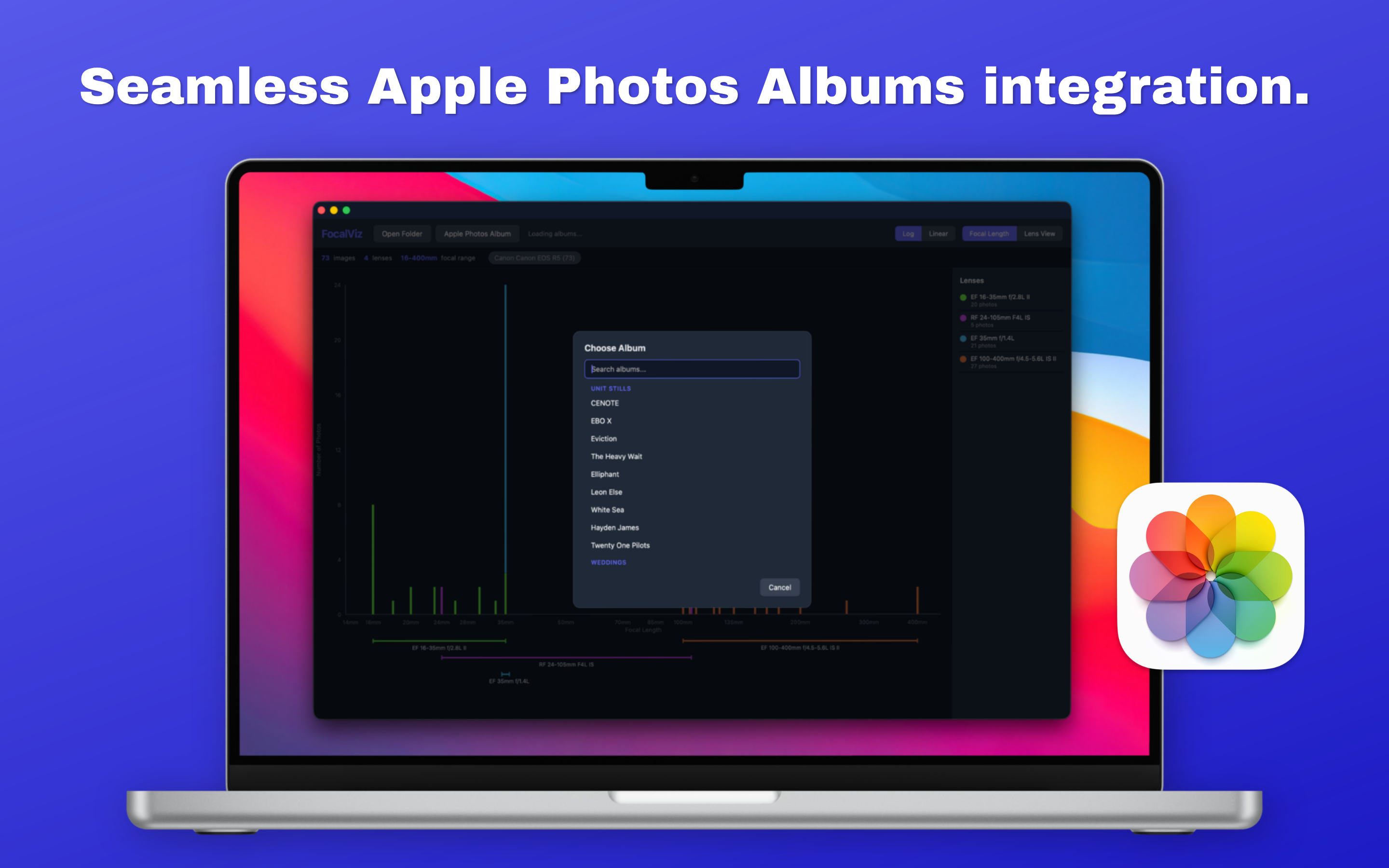
Analyze any album in your Photos library directly. No exporting or file management needed.
Toggle camera bodies on and off to compare lens usage across different cameras. Perfect for multi-body shooters.
All focal lengths are converted to their 35mm equivalent, so you can compare shots across APS-C, Micro Four Thirds, medium format, phones, and drones on one chart.
FocalViz runs entirely on your Mac. No cloud, no uploads, no accounts, no tracking. Your photos never leave your device.
FocalViz reads lens and camera data from standard EXIF metadata and Apple's ExifAux maker notes, providing broad compatibility across manufacturers.
Supported formats: JPEG, HEIC, TIFF, PNG, CR2, CR3, NEF, ARW, RAF, DNG, RW2, ORF
If your camera or lens isn't appearing correctly, let us know and we'll update the app to support it.
FocalViz does not collect, store, transmit, or share any personal data, photo data, or EXIF metadata. All analysis is performed locally on your Mac.
The app does not connect to the internet, does not use analytics, and does not contain advertising. When using Apple Photos integration, your photos are accessed through Apple's PhotoKit framework and are never copied or sent externally.
FocalViz does not require an account and does not store any user information.
Last updated: April 2026